


Slack Integration
Connect Slack to unlock the full power of ThePM. Turn your conversations into tasks.
Teams using ThePM to manage their tasks







Keep discussions, tasks, and ownership in one place so nothing slips through the cracks.
Connect Slack to unlock the full power of ThePM. Turn your conversations into tasks.
It understands conversations, creates tasks and keeps everything moving.
Keep conversations, ownership, and tasks all connected together so work never stalls.
Stay aligned and see updates, team's task progress, or any decisions as they happen.
Everything important becomes a task automatically.


Connect Slack, turn conversations into tasks, and keep your projects moving
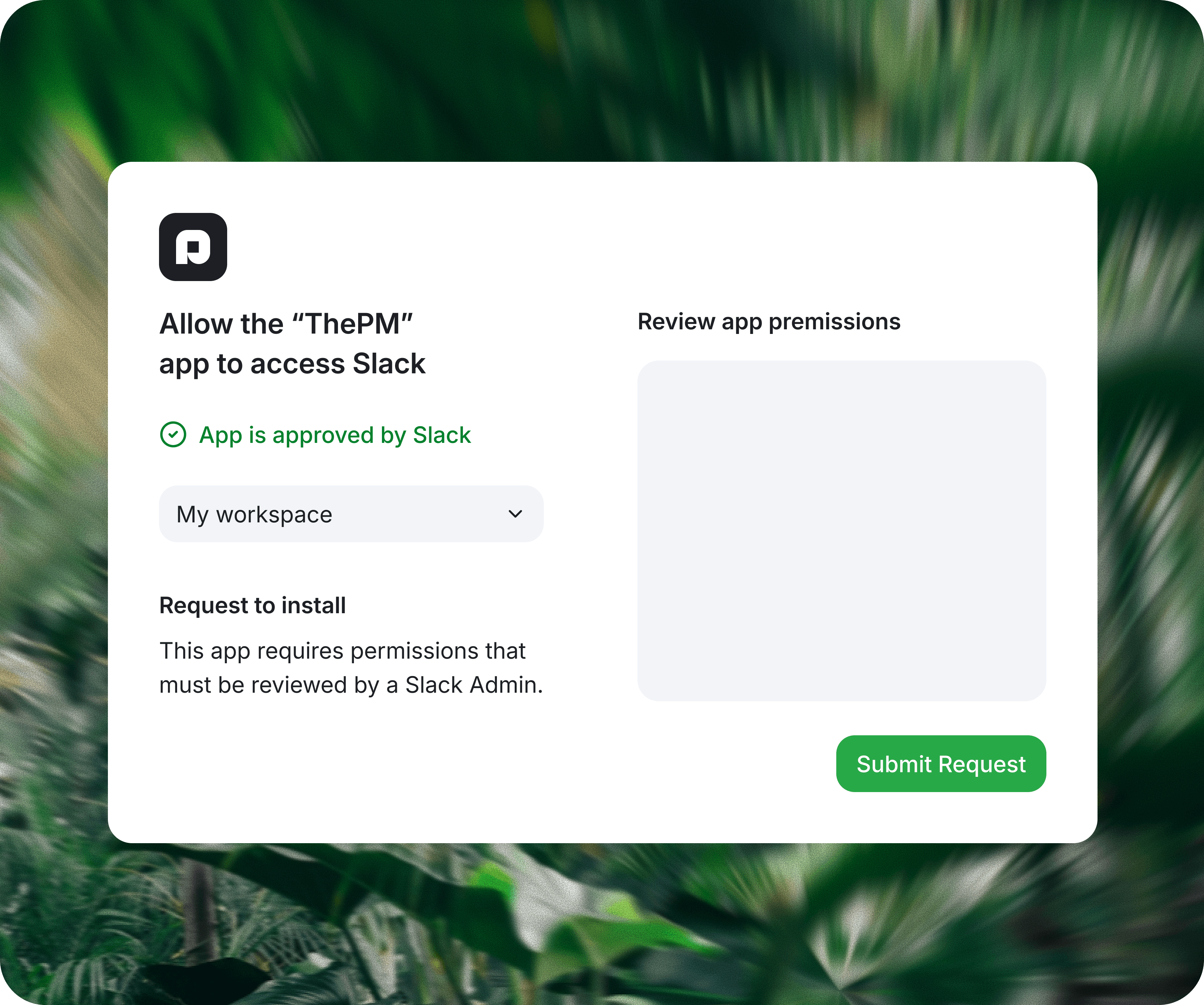
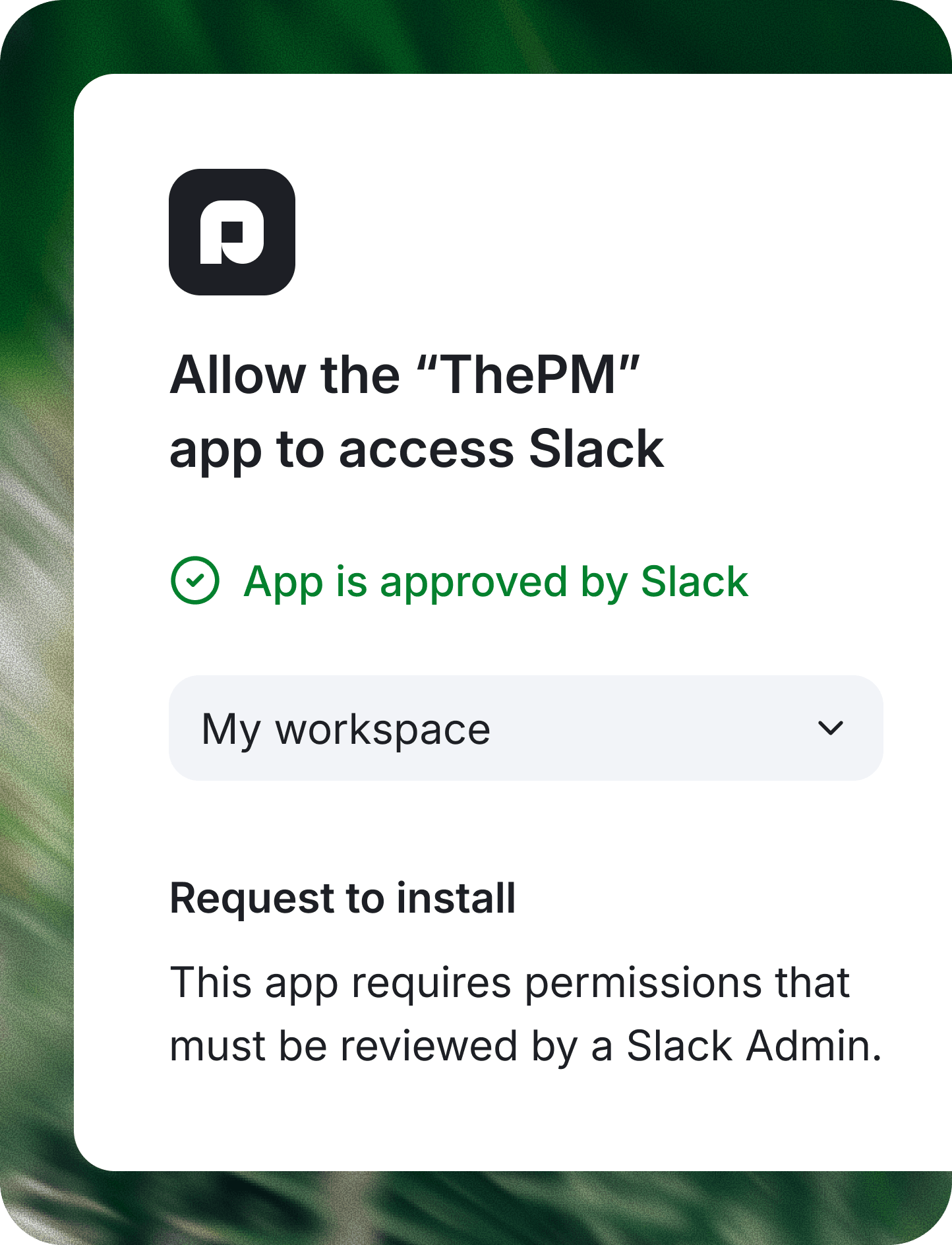
Install ThePM to Slack and connect your workspace in a blink of an eye.
Tag the bot or ask it to create tasks directly from any messages or threads.
Tasks are automatically assigned, tracked, and followed up without manual work.
-
-
-
-
Everything important becomes a task automatically.
Organize work with projects, track progress with boards, collaborate with your team, and deliver faster.
Organize work visually with drag-and-drop task boards and move tasks across stages.
Create, rename, hide, or delete workflow stages to match how your team actually works.
Group tasks inside dedicated projects so teams can manage multiple initiatives independently.
Add detailed information, priorities, dates, notes, and context directly inside each task.
Discuss work related stuff directly inside tasks with team comments and updates.
View your team members and manage who can collaborate on specific projects.
Pin your most important projects for a super quick access from the sidebar.
Stay updated with mentions, assignments, and task updates all in one single place.
Use the Create more option to add tasks rapidly without closing the creation modal.
Ask the built-in AI assistant about tasks, priorities, or project status across projects.
Minimal and beautiful interface, designed to keeps focus on tasks and collaboration.
A dark mode that reduces eye strain and keeps you focused.
Connect Slack, turn conversations into tasks, and keep projects moving without manual updates.
Start free. Add automation when work gets heavier. Scale ThePM across the team when Slack becomes the place work starts.
A simple project management workspace for organizing projects, tasks, owners, and priorities.
$
0
USD/
month
Connect a Slack workspace and turn team conversations into organized project work.
$
5
USD/
user/month
Bring ThePM to larger teams with multiple workspaces, onboarding, and higher usage needs.
Custom
Contact usFind answers to common questions about how ThePM works, and how your team can start organizing work faster.


